
OEM#: TI34MULTIVNew OEM Original Outright
TI-34 MULTIVIEW SCIENTIFIC CALCULATOR, 16-DIGIT LCD by Texas Instruments
Your price:
$25.95 each $48.95 Savings: $23.00 (47%)

View All
OEM#: TI34MULTIVTI-34 MULTIVIEW SCIENTIFIC CALCULATOR, 16-DIGIT LCD by Texas Instruments
New OEM Original Outright
Your price:
$25.95 each
$48.95 Savings: $23.00 (47%)
Asset Information
A special handling fee may apply to this item. See FAQs for details.
Are you an existing customer? Sign in to access your account.
ADD TO LIST
Product Overview
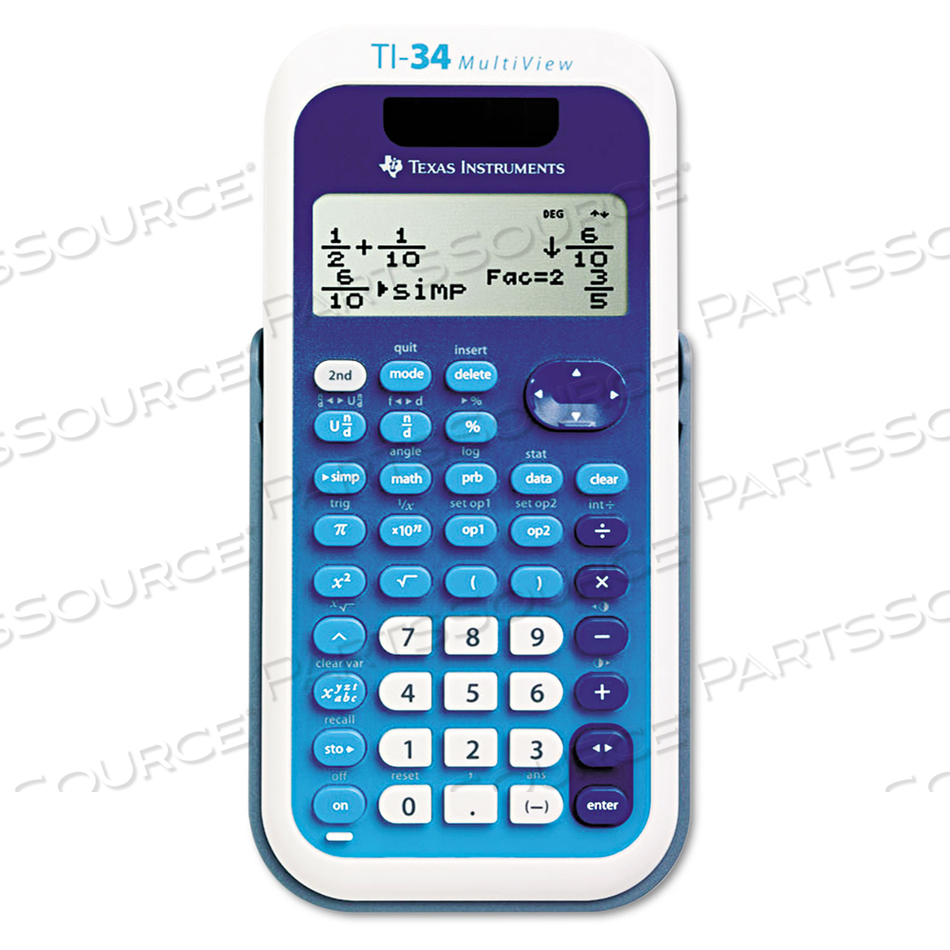
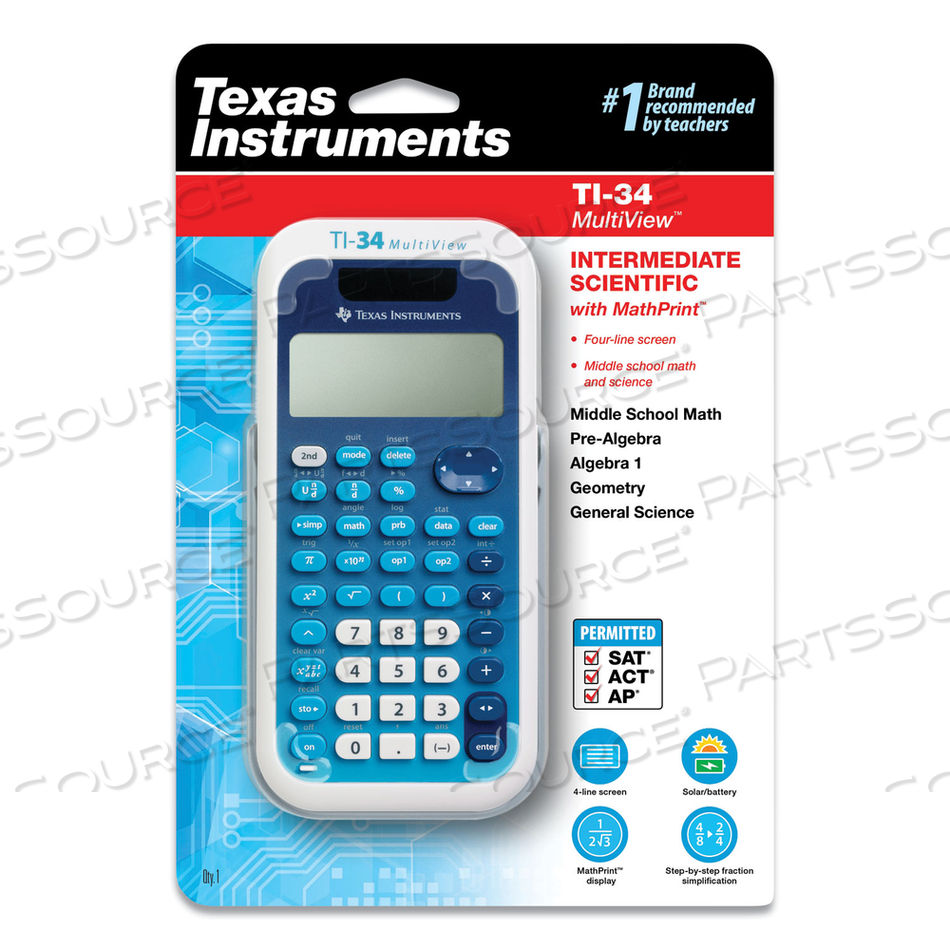
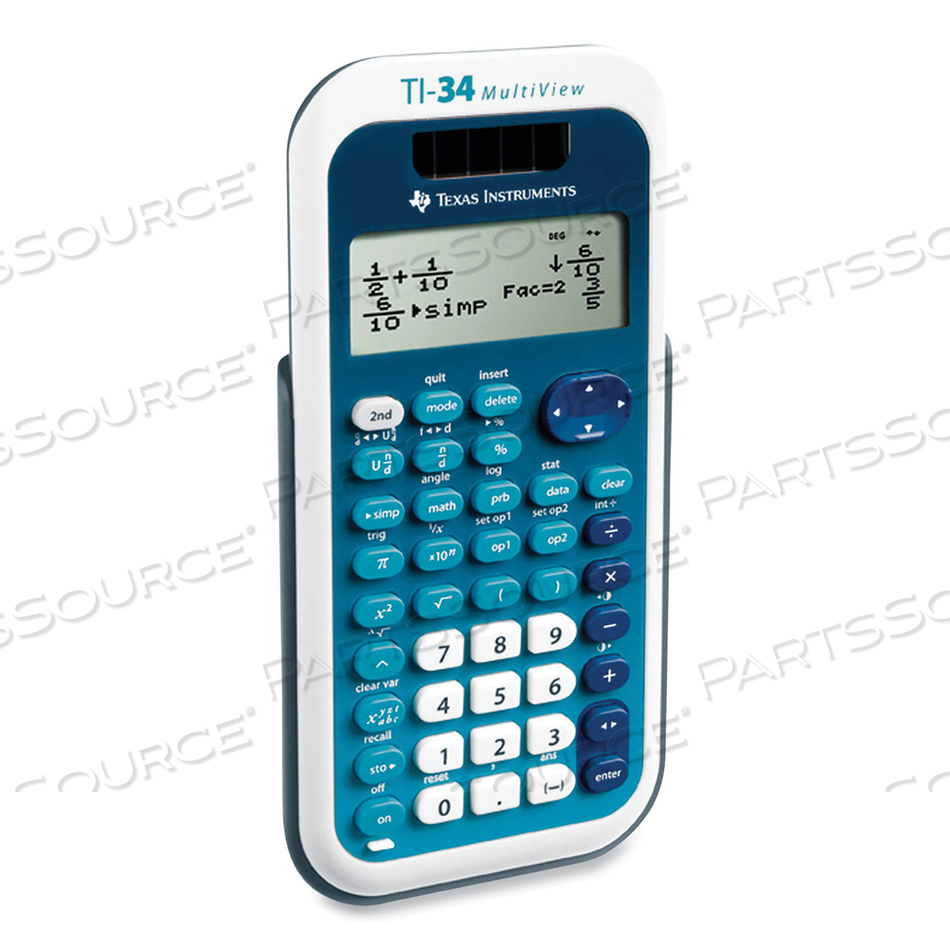
Designed with unique features to allow you to enter more than one calculation, compare results and explore patterns, all on the same screen. Enter and view calculations in common Math Notation via the MATHPRINT Mode, including stacked fractions, exponents, exact square roots and more. Quickly view fractions and decimals in alternate forms by using the Toggle Key. Scroll through previous entries and investigate critical patterns as well as viewing and pasting into a new calculation. Explore an x, y table of values for a given function, automatically or by entering specific x values.
Features
- Designed with unique features to allow you to enter more than one calculation, compare results and explore patterns, all on the same screen.
- Enter and view calculations in common Math Notation via the MATHPRINT Mode, including stacked fractions, exponents, exact square roots and more.
- Quickly view fractions and decimals in alternate forms by using the Toggle Key.
- Scroll through previous entries and investigate critical patterns as well as viewing and pasting into a new calculation.
Technical Specs
P/N: TI34MULTIV Key Specs
Item
TI-34 MULTIVIEW SCIENTIFIC CALCULATOR, 16-DIGIT LCD
OEM
Texas Instruments
OEM #
TI34MULTIV
Condition
New OEM Original
Returnable
No
Warranty
Mfr Warranty
Base Number Calculations
No
Complex Number Calculations
No
Country of Origin
Philippines
Display Angle
Fixed
Display Character Height (mm)
4 mm
Display Characters x Display Lines
16 x 4
Display Notation
Numeric
Display Type
LCD
Entry Logic
Algebraic
Fraction Calculations
Yes
Fraction/Decimal Conversions
Yes
Higher Mathematical Functions
Trigonometry
Levels of Parentheses
23
Logical (Boolean) Operations
No
Memory
7 Memories
Number of Display Digits
16
Package Includes
Battery; Case; Quick Reference Chart
Percent Key(s)
Yes
Post-Consumer Recycled Content Percent
0%
Power Source(s)
Battery; Solar
Pre-Consumer Recycled Content Percent
0%
Probability (Random Number)
No
Replacement Batteries
Lithium
Size
3 x 5.8
Total Recycled Content Percent
0%
Designed with unique features to allow you to enter more than one calculation, compare results and explore patterns, all on the same screen. Enter and view calculations in common Math Notation via the MATHPRINT Mode, including stacked fractions, exponents, exact square roots and more. Quickly view fractions and decimals in alternate forms by using the Toggle Key. Scroll through previous entries and investigate critical patterns as well as viewing and pasting into a new calculation. Explore an x, y table of values for a given function, automatically or by entering specific x values.
Product Overview
Designed with unique features to allow you to enter more than one calculation, compare results and explore patterns, all on the same screen. Enter and view calculations in common Math Notation via the MATHPRINT Mode, including stacked fractions, exponents, exact square roots and more. Quickly view fractions and decimals in alternate forms by using the Toggle Key. Scroll through previous entries and investigate critical patterns as well as viewing and pasting into a new calculation. Explore an x, y table of values for a given function, automatically or by entering specific x values.
Features
- Designed with unique features to allow you to enter more than one calculation, compare results and explore patterns, all on the same screen.
- Enter and view calculations in common Math Notation via the MATHPRINT Mode, including stacked fractions, exponents, exact square roots and more.
- Quickly view fractions and decimals in alternate forms by using the Toggle Key.
- Scroll through previous entries and investigate critical patterns as well as viewing and pasting into a new calculation.
Technical Specs
P/N: TI34MULTIV Key Specs
Item
TI-34 MULTIVIEW SCIENTIFIC CALCULATOR, 16-DIGIT LCD
OEM
Texas Instruments
OEM #
TI34MULTIV
Condition
New OEM Original
Returnable
No
Warranty
Mfr Warranty
Base Number Calculations
No
Complex Number Calculations
No
Country of Origin
Philippines
Display Angle
Fixed
Display Character Height (mm)
4 mm
Display Characters x Display Lines
16 x 4
Display Notation
Numeric
Display Type
LCD
Entry Logic
Algebraic
Fraction Calculations
Yes
Fraction/Decimal Conversions
Yes
Higher Mathematical Functions
Trigonometry
Levels of Parentheses
23
Logical (Boolean) Operations
No
Memory
7 Memories
Number of Display Digits
16
Package Includes
Battery; Case; Quick Reference Chart
Percent Key(s)
Yes
Post-Consumer Recycled Content Percent
0%
Power Source(s)
Battery; Solar
Pre-Consumer Recycled Content Percent
0%
Probability (Random Number)
No
Replacement Batteries
Lithium
Size
3 x 5.8
Total Recycled Content Percent
0%
Designed with unique features to allow you to enter more than one calculation, compare results and explore patterns, all on the same screen. Enter and view calculations in common Math Notation via the MATHPRINT Mode, including stacked fractions, exponents, exact square roots and more. Quickly view fractions and decimals in alternate forms by using the Toggle Key. Scroll through previous entries and investigate critical patterns as well as viewing and pasting into a new calculation. Explore an x, y table of values for a given function, automatically or by entering specific x values.
Product Overview
Designed with unique features to allow you to enter more than one calculation, compare results and explore patterns, all on the same screen. Enter and view calculations in common Math Notation via the MATHPRINT Mode, including stacked fractions, exponents, exact square roots and more. Quickly view fractions and decimals in alternate forms by using the Toggle Key. Scroll through previous entries and investigate critical patterns as well as viewing and pasting into a new calculation. Explore an x, y table of values for a given function, automatically or by entering specific x values.
Features
- Designed with unique features to allow you to enter more than one calculation, compare results and explore patterns, all on the same screen.
- Enter and view calculations in common Math Notation via the MATHPRINT Mode, including stacked fractions, exponents, exact square roots and more.
- Quickly view fractions and decimals in alternate forms by using the Toggle Key.
- Scroll through previous entries and investigate critical patterns as well as viewing and pasting into a new calculation.
Technical Specs
P/N: TI34MULTIV Key Specs
Item
TI-34 MULTIVIEW SCIENTIFIC CALCULATOR, 16-DIGIT LCD
OEM
Texas Instruments
OEM #
TI34MULTIV
Condition
New OEM Original
Returnable
No
Warranty
Mfr Warranty
Base Number Calculations
No
Complex Number Calculations
No
Country of Origin
Philippines
Display Angle
Fixed
Display Character Height (mm)
4 mm
Display Characters x Display Lines
16 x 4
Display Notation
Numeric
Display Type
LCD
Entry Logic
Algebraic
Fraction Calculations
Yes
Fraction/Decimal Conversions
Yes
Higher Mathematical Functions
Trigonometry
Levels of Parentheses
23
Logical (Boolean) Operations
No
Memory
7 Memories
Number of Display Digits
16
Package Includes
Battery; Case; Quick Reference Chart
Percent Key(s)
Yes
Post-Consumer Recycled Content Percent
0%
Power Source(s)
Battery; Solar
Pre-Consumer Recycled Content Percent
0%
Probability (Random Number)
No
Replacement Batteries
Lithium
Size
3 x 5.8
Total Recycled Content Percent
0%
Designed with unique features to allow you to enter more than one calculation, compare results and explore patterns, all on the same screen. Enter and view calculations in common Math Notation via the MATHPRINT Mode, including stacked fractions, exponents, exact square roots and more. Quickly view fractions and decimals in alternate forms by using the Toggle Key. Scroll through previous entries and investigate critical patterns as well as viewing and pasting into a new calculation. Explore an x, y table of values for a given function, automatically or by entering specific x values.